EG Crossword Kids
A children's crossword with a size you pick yourself — not a matching board at all.
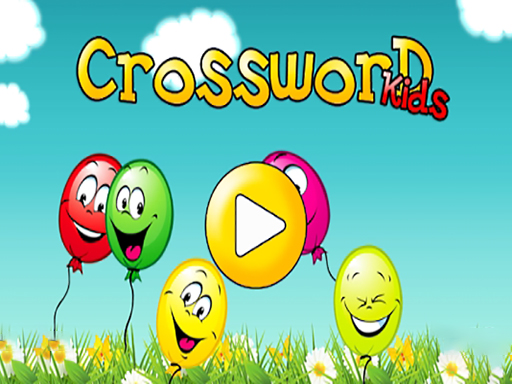
This is a crossword rather than a matching puzzle, and it belongs in the children’s section for a reason: the grid size is chosen by the player, so the same game serves a five-year-old and someone considerably older.
Choosing the number of squares before starting is the whole design. A small grid gives a child a puzzle they can finish and feel good about; a larger one turns it into a real exercise. Very few games in this catalogue let the difficulty be set that directly, and for a parent handing over a tablet it is the most useful feature on offer.
Because it is a word game, it asks something none of the matching boards do — reading and spelling rather than pattern recognition. That makes it a genuine change of pace in a section otherwise built entirely from grids of coloured pieces.
Free to play, nothing to install, and no account before a child can start.
Controls
Click or tap a square, then type or choose the letter.
How to Play
- Choose how many squares you want — that sets the difficulty.
- Pick a square in the grid to start.
- Fill in the letters to complete each word.
- Finish the grid to complete the puzzle.
Tips & Tricks
Start a child on the smallest grid even if it looks trivially easy. A finished puzzle is what makes them ask for another one; an unfinished one is what makes them close the tab.
Frequently Asked Questions
Is this a match 3 game?
No, it is a crossword puzzle for children.
Can I change the difficulty?
Yes, you choose the number of squares before you start.
What age is it for?
The adjustable grid means it suits a wide range — small grids for young children, larger ones for older players.
Is it free?
Yes, free in the browser with no account.