Microsoft Jewel
Swap neighbouring gems to line up three or more, with no clock running and boosters for the harder shapes.
New in this category
- Jewels Blitz Legends — also in jewels
- Mystic Sea Treasures — also in jewels
Controls
Click or tap one gem, then the gem beside it, to swap the two.
How to Play
- Look for two gems that would line up three or more if they traded places.
- Click the first, then its neighbour, to swap them.
- Take the time the game gives you: with no clock, the better move is always worth finding.
- Aim past three-of-a-kind where you can — longer matches score more and feed the boosters.
Tips & Tricks
Scan the bottom two rows first. A clear low on the board drops everything above it and often reveals a match you could not have seen, whereas a clear at the top changes almost nothing beneath it.
Frequently Asked Questions
Is this the Microsoft version from MSN?
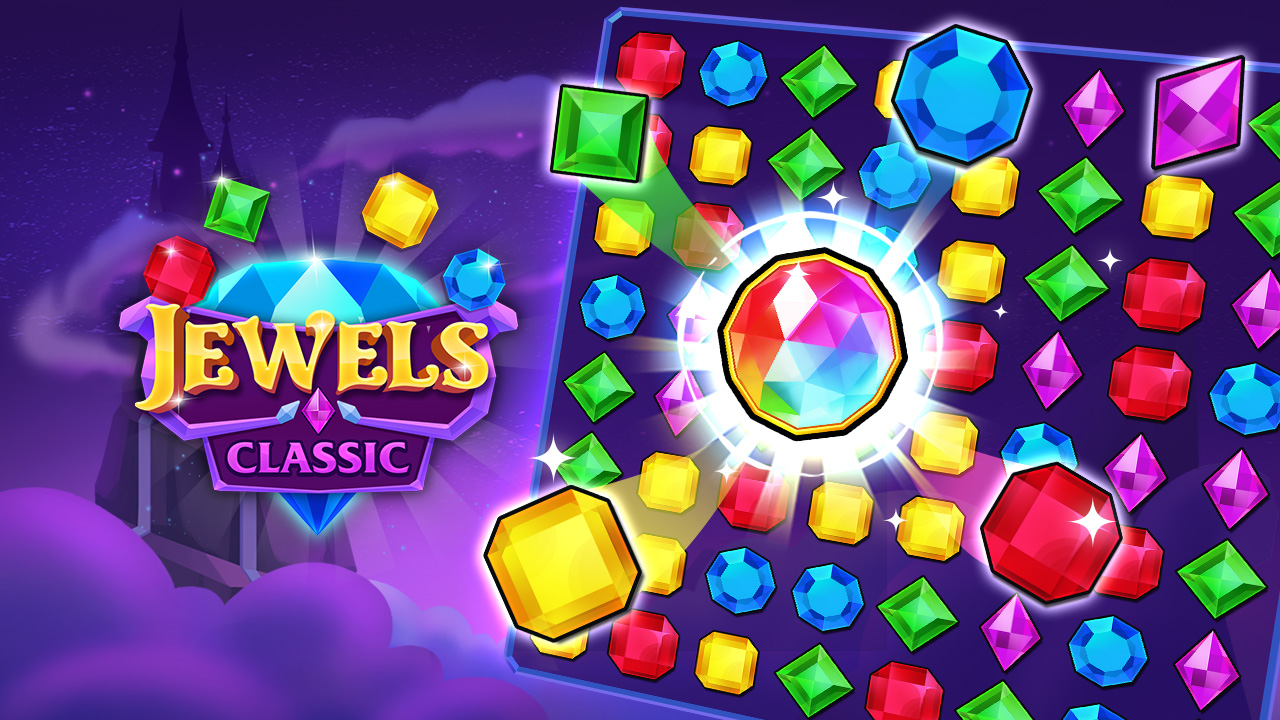
No, and we are not affiliated with Microsoft. The original version is not available here; this page runs Jewels Classic by SUN.STUDIO, a similar untimed swap-and-match-three game.
Is there a time limit?
No. Jewels Classic has no timer, so you can take as long as you like over a move.
How do I score more?
Complete harder matches. Lining up more than three gems of a kind scores above a plain three-of-a-kind and builds the boosters used for bigger combinations.
Does it need a download?
No. It plays in the browser, free, with no sign-up.